




May 8, 2013
Cheating Keynote’s dumb sizing limitation
Keynote presentation software has what seems to be a needless limitation on how large you can scale an object using their animation capabilities: you can take it up to 200% and no larger. A few years ago I poked around in the xml save files and manually increased the scaling on an object to 1000%, and it animated just fine. So I don’t know what was in the designer’s minds when they limited the user interface. Actually, I’m sure they had a good reason, so I already regret the use of the word “dumb” in my headline. A little.
“Dumb” is appropriate, however, for me, given how long it’s taken me to realize a way around the limitation in some circumstances.
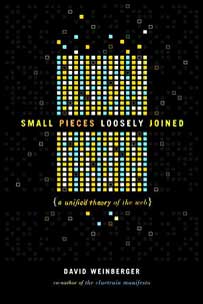
Keynote has a really helpful slide transition called “Magic Move.” If you duplicate a slide and move around the objects in the duplicate slide, and resize them, then when you click from the first slide to the second, the objects will smoothly animate into their new positions and sizes. It is occasionally finicky, but when it works, it can save an enormous amount of manual animation. For example, if you have a slide with a square made up of 64 little squares, and you want to animate those little squares flying apart, rather than animating each of their movements, just duplicate the slide and drag the little cubes where you want.
So, duh, if you want to animate one of those cubes so it grows larger than 200%, just duplicate the slide and enlarge the cube to whatever size you want. Apply the “Magic Move” transition to the first slide, and Keynote will do the deed for you.
This doesn’t work for all situations, but in the ones that it works in, it’s very handy. And, yes, I should have realized it a couple of years ago.
